
CSV or Excel (.xlsx): which file to export
Short answer
Export Excel (.xlsx) when people will open the table in Excel, Numbers or Google Sheets: it keeps numbers as numbers, codes and dates as text, and each page as its own sheet, so nothing is guessed on opening. Export CSV when another system has to import the data — and check the separator and encoding it expects.
On a computer? Point your iPhone's camera at the code to open QuickScan in the App Store.
3 free exports, then a one-time unlock. No subscription.
CSV or .xlsx: the short version
| Excel (.xlsx) | CSV | |
|---|---|---|
| Numbers vs text | Stored in the file | Guessed when opened |
Codes like 00123 | Kept, if stored as text | Lose their zeros on a double-click |
| Dates | Kept as stored | Converted in the opener's region order |
| Accents (é, ą, ü) | Always fine | Fine with UTF-8 + BOM, garbled without |
| Several pages | One sheet each | One table (pages one after another) |
| Separator problems | None | Comma vs semicolon by region |
| Other systems' imports | Sometimes accepted | The usual format |
Why a CSV changes when you open it
A CSV is plain text: SKU,Qty then 00123,24. It doesn't say whether 00123 is a code or a number, whether 03/04 is March or April, or which character separates the columns. The spreadsheet decides on opening — using its region's rules. That's where vanished zeros, swapped dates, one-column files and garbled accents come from:
- CSV opens in one column
- Leading zeros and barcodes disappear
- Dates wrong in Excel
- Garbled accents in a CSV
An .xlsx file stores the answer to each of those questions, so it opens the same everywhere.
Which opens best where, on iPhone and beyond
- Excel (iPhone, Mac, Windows): .xlsx opens as saved; CSV is converted on opening.
- Numbers: opens both; .xlsx sheets stay separate. A semicolon CSV may need Format › Adjust Import Settings on a Mac.
- Google Sheets: File › Import takes both; for CSV it detects the separator.
- Accounting tools and databases: usually CSV — check whether they want commas or semicolons, and UTF-8.
What QuickScan writes
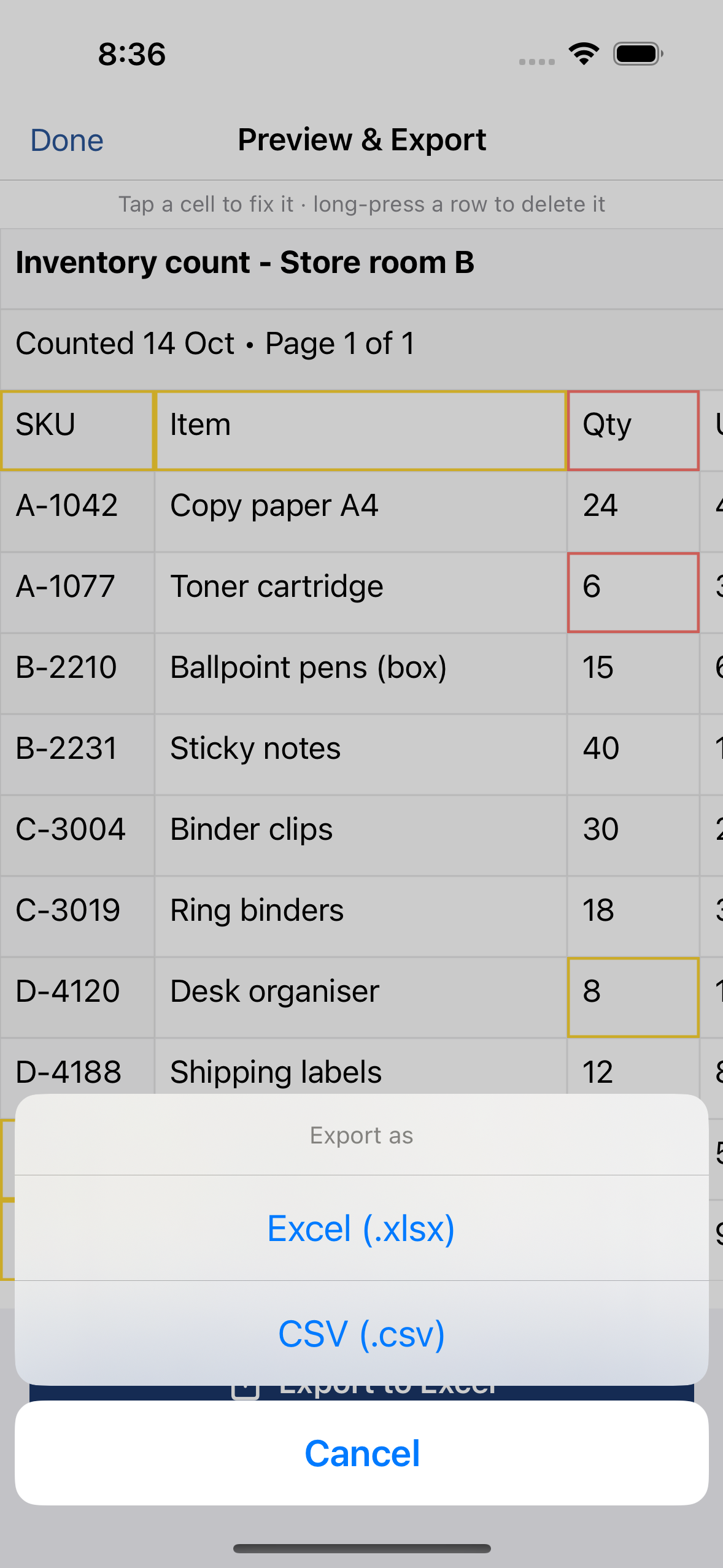
- Excel (.xlsx): plain quantities and amounts as numbers, shown with their printed decimals; codes with leading zeros, long codes (barcodes, accounts), dates written with a year, times like
14:30and anything ambiguous as text; one sheet per scanned page. - CSV: UTF-8 with a BOM, so accents open correctly in Excel; semicolon-separated where your iPhone's region uses a decimal comma, comma-separated elsewhere; pages one after another, each under a
# Page Nline.
If you're not sure, choose Excel — you can always save it as CSV later from Excel, Numbers or Google Sheets.
On a computer? Point your iPhone's camera at the code to open QuickScan in the App Store.
3 free exports, then a one-time unlock. No subscription.
Questions
Which is better for Excel, CSV or .xlsx?
The .xlsx file. It records which cells are numbers and which are text, keeps several sheets, and opens the same on every computer. A CSV makes Excel guess each value when it opens.
When should I use CSV?
When another system has to import the data — accounting software, a database, an online tool, a script. Those usually ask for CSV. Check which separator and encoding they expect.
Do Numbers and Google Sheets open both?
Yes. Numbers opens .xlsx and CSV files; Google Sheets imports both. An .xlsx file keeps its sheets; a CSV is one table.
How does QuickScan write each?
Excel: numbers as numbers (with their decimals), codes, dates with a year, colon times and anything ambiguous as text, one sheet per page. CSV: UTF-8 with a BOM, separated by semicolons where the iPhone's region uses a decimal comma, commas elsewhere.